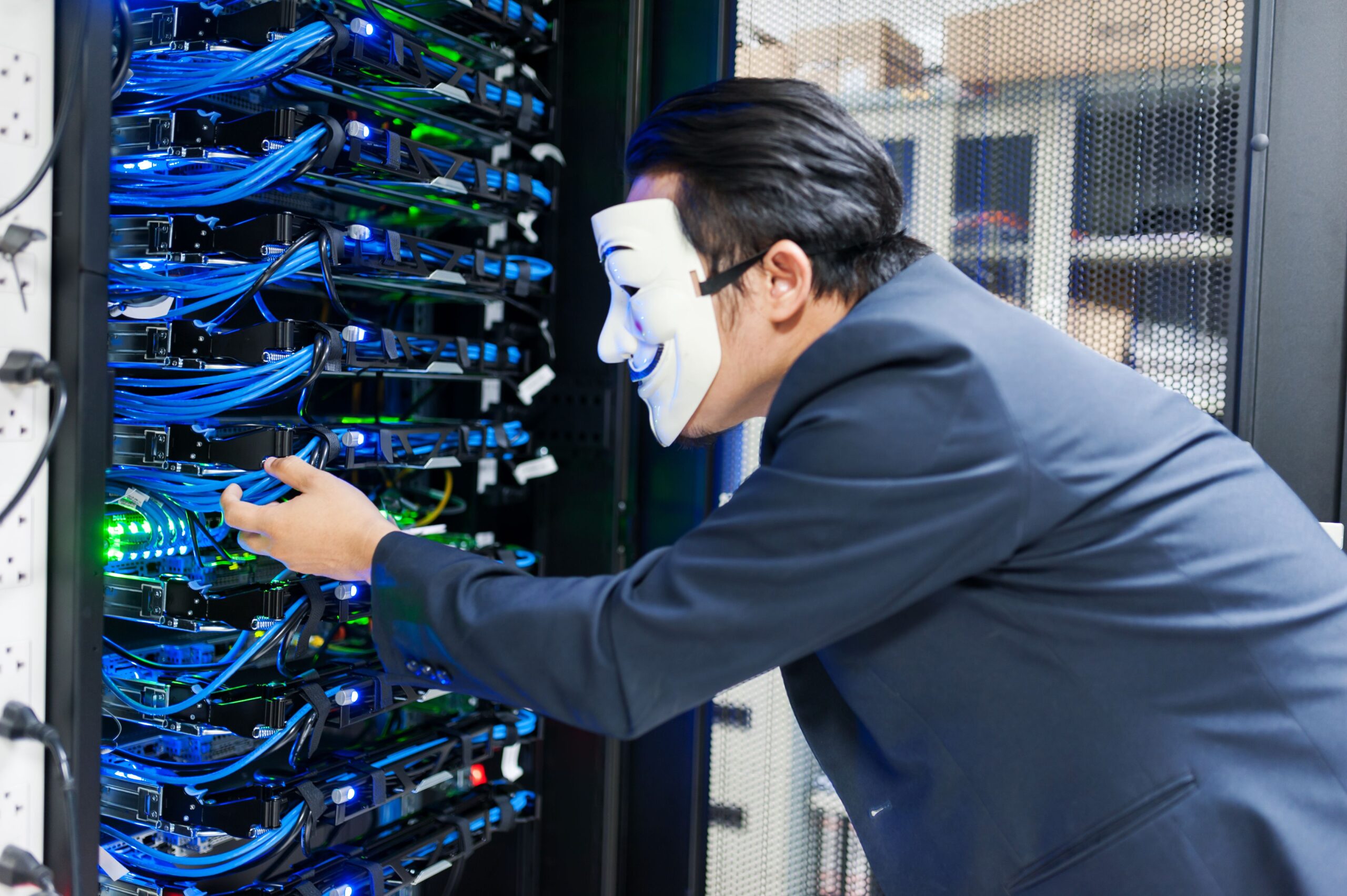
Cyber attacks can disrupt operations, expose sensitive information, and damage customer trust. No business is too small to become a target. Attackers often look for weak passwords, outdated software, unsecured accounts, and employees who may not recognize a suspicious message.
Learning How to Protect Your Business From Cyber Attacks is therefore an important part of running a modern company. Strong cybersecurity does not depend on one tool. It requires a combination of technology, employee awareness, clear policies, and regular security checks.
The good news is that many effective security measures are practical and affordable. Businesses can reduce their exposure by securing accounts, protecting data, training employees, updating software, and preparing for incidents before they happen.
Why Businesses Need Protection From Cyber Attacks
A cyber attack can affect almost every part of a business. An attacker may try to steal customer information, access financial accounts, lock important files, or obtain employee credentials.
The consequences can extend beyond the initial security incident. A business may face downtime, unexpected recovery expenses, lost customers, legal obligations, and reputational damage.
This is why business cybersecurity should be treated as a core business priority. It is not only an IT issue. Business owners, managers, employees, contractors, and technology providers all have a role in protecting company systems.
Businesses can also review guidance from the Federal Trade Commission cybersecurity resources for practical recommendations aimed at small businesses.
1. Identify Your Most Important Business Assets
Before improving security, identify what needs protection. Make a list of your most important systems, accounts, devices, applications, and data.
Consider customer records, payment information, employee files, financial documents, intellectual property, business email, websites, and cloud storage.
Then ask a simple question: what would happen if this information were stolen, deleted, or unavailable for several days?
This process helps you prioritize your security budget. Critical systems should receive stronger protection and closer monitoring.
A useful starting point is the NIST Cybersecurity Framework. It provides a structured way to identify, manage, and reduce cybersecurity risks.
2. Protect Business Accounts With Multi-Factor Authentication
Passwords are important, but passwords alone may not provide enough protection. Multi-factor authentication, or MFA, adds another verification step when someone signs in.
For example, a user may enter a password and then confirm the login with an authenticator application or another approved method.
Enable MFA on business email, cloud platforms, financial accounts, administrator accounts, remote access tools, and other important services whenever possible.
MFA can be especially valuable when an attacker obtains a password through phishing or another method. The additional authentication step can make unauthorized access more difficult.
3. Create a Strong Password Policy
Weak and reused passwords can make it easier for attackers to compromise multiple accounts. Businesses should require employees to use unique passwords for important services.
A company-approved password manager can help employees create and store strong passwords without having to remember every credential.
Administrative accounts deserve extra protection. Limit administrator privileges and avoid using administrator accounts for routine tasks whenever practical.
When an employee leaves the company, remove or disable their accounts promptly. Access should also be reviewed when employees change roles.
4. Keep Software and Devices Updated
Outdated software can contain security weaknesses that attackers already know how to exploit. This can include operating systems, browsers, business applications, website plugins, routers, and connected devices.
Install security updates as soon as reasonably possible. Use automatic updates when they are appropriate for your business environment.
Do not forget mobile devices. Smartphones and tablets may provide access to business email, cloud storage, customer information, and other sensitive systems.
Regular updates are one of the simplest cyber attack prevention measures a company can adopt.
5. Train Employees to Spot Phishing Attacks
Employees are often an important line of defense against cyber threats. However, attackers know this. They may send convincing emails or messages that appear to come from a manager, customer, bank, delivery company, or technology provider.
These messages may request passwords, payments, confidential information, or urgent action.
Teach Employees These Warning Signs
- Unexpected requests for passwords or sensitive information.
- Messages that create unusual urgency or pressure.
- Unexpected attachments or unfamiliar links.
- Requests to change payment details.
- Messages that do not match normal business communication.
- Login pages that look unusual or use unfamiliar web addresses.
Employees should know how to report suspicious messages. They should also understand that reporting a mistake quickly is better than hiding it.
Regular security awareness training can help turn employees into an active part of your cybersecurity strategy.
6. Back Up Critical Business Data
Reliable backups can help a business recover after data loss, hardware failure, accidental deletion, or a security incident.
Start by identifying the information that would be difficult or impossible to replace. Then establish a regular backup schedule.
Do not assume that a backup is working simply because the system says it completed successfully. Test restoration procedures periodically.
Businesses should also protect backup systems from unauthorized access. CISA provides useful information about ransomware prevention and data protection, including recommendations for preparing against ransomware incidents.
Having multiple protected copies of important information can significantly improve recovery options.
7. Secure Your Business Network
A secure network helps reduce opportunities for unauthorized access. Start by changing default administrator passwords on network equipment.
Keep routers, firewalls, wireless access points, and other network devices updated. Use strong Wi-Fi security and avoid sharing administrator credentials.
If your business offers guest Wi-Fi, separate it from the network used for company systems. Guest devices should not have unnecessary access to internal resources.
Remote employees should also use approved devices and security procedures when accessing company systems.
8. Use Access Controls and Least Privilege
Employees do not need access to every business system. Give users only the permissions required for their jobs.
This approach is known as least privilege. It can reduce the potential damage if an account becomes compromised.
Review permissions regularly. Remove unnecessary access and disable inactive accounts. Pay particular attention to accounts with access to financial systems, customer databases, administrative tools, and sensitive documents.
Strong access control is especially important for growing companies because employee responsibilities often change over time.
9. Protect Business Email and Cloud Services
Business email is a valuable target because it can contain confidential conversations, invoices, customer information, passwords, and links to other services.
Protect email accounts with MFA and strong passwords. Review account recovery options and security alerts regularly.
Cloud applications should receive the same attention. Check who can access shared files and folders. Remove unnecessary external access and review administrator permissions.
Businesses should also create procedures for verifying unusual financial requests. For example, an employee should not change payment details based only on an unexpected email.
10. Secure Customer and Business Data
Data security is a major part of How to Protect Your Business From Cyber Attacks. Businesses should know what information they collect and why they need it.
Collect only information that is necessary for legitimate business purposes. Store sensitive information securely and limit access to authorized employees.
When information is no longer required, follow appropriate data retention and disposal procedures.
Review your business data security strategy regularly. Strong data practices can reduce the impact of both external attacks and internal mistakes.
11. Check the Security of Vendors and Partners
Your business may depend on third-party companies for hosting, accounting, payments, marketing, software, customer support, or other services.
These relationships can create additional security risks. Before giving a provider access to sensitive information, understand what data it handles and how that information is protected.
Review vendor access regularly. Remove access that is no longer necessary.
For important providers, consider including appropriate cybersecurity responsibilities in contracts. Your security strategy should account for the companies that connect to your systems.
12. Prepare an Incident Response Plan
Even a well-protected business may experience a security incident. Preparation can make the response faster and more organized.
Create a simple cybersecurity incident response plan. Identify who should be contacted if an incident occurs and who has authority to make important decisions.
The plan should cover potential scenarios such as compromised accounts, stolen devices, malware infections, data exposure, and business email compromise.
Keep important emergency contacts available outside your main business systems. If those systems become unavailable, you still need a way to coordinate the response.
After an incident, review what happened. Identify the original weakness and improve your security controls to reduce the chance of a similar problem happening again.
13. Monitor Your Security Regularly
Cybersecurity is an ongoing process. New employees, applications, devices, vendors, and business processes can introduce new risks.
Schedule regular security reviews. Check accounts, permissions, software updates, backups, devices, network settings, and cloud access.
You can also create a simple cybersecurity best practices checklist for your team. Assign responsibility for each task and record when reviews are completed.
Regular reviews help prevent security controls from becoming outdated.
Cyber Attack Prevention Checklist for Businesses
Use this checklist as a quick starting point for improving your security:
- Enable multi-factor authentication on critical accounts.
- Use unique and strong passwords.
- Keep software, devices, and network equipment updated.
- Back up important business data regularly.
- Test data restoration procedures.
- Train employees about phishing and social engineering.
- Secure business Wi-Fi and network equipment.
- Separate guest networks from internal business systems.
- Limit employee access using least privilege.
- Review cloud and email security settings.
- Monitor vendor and third-party access.
- Protect sensitive customer and financial information.
- Create an incident response plan.
- Review cybersecurity controls regularly.
How to Protect Your Business From Cyber Attacks on a Limited Budget
Cybersecurity does not have to begin with expensive enterprise software. Start with the controls that address common risks.
Enable MFA. Improve password practices. Install security updates. Back up important data. Train employees to recognize phishing. These steps can provide a strong foundation.
Next, review access permissions, network security, cloud accounts, and vendor relationships. As the company grows, consider professional security assessments and additional monitoring where appropriate.
The NIST Cybersecurity Framework Quick-Start Guides can also help organizations approach cybersecurity in a structured way without trying to solve every security issue at once.
Final Thoughts
Knowing How to Protect Your Business From Cyber Attacks is essential in an increasingly connected business environment. A single compromised account or outdated system can create serious problems.
However, businesses can reduce many common risks by taking consistent action. Protect important accounts with MFA. Use strong passwords. Update software. Train employees. Back up critical data. Control access. Secure networks and cloud services. Review vendors. Prepare for incidents.
Cybersecurity is not a one-time project. It is an ongoing business practice. Start with the fundamentals, review your defenses regularly, and improve your security strategy as your company changes.
A proactive approach can help protect valuable information, reduce disruption, and preserve the trust of customers and business partners.
